
Status and priority
Open, pending, resolved, closed. Priority together with your SLA policy sets the deadline.
Platform
The parts most teams glue together from four tools, built as one system around one record per customer.
One button, two kinds of eyes
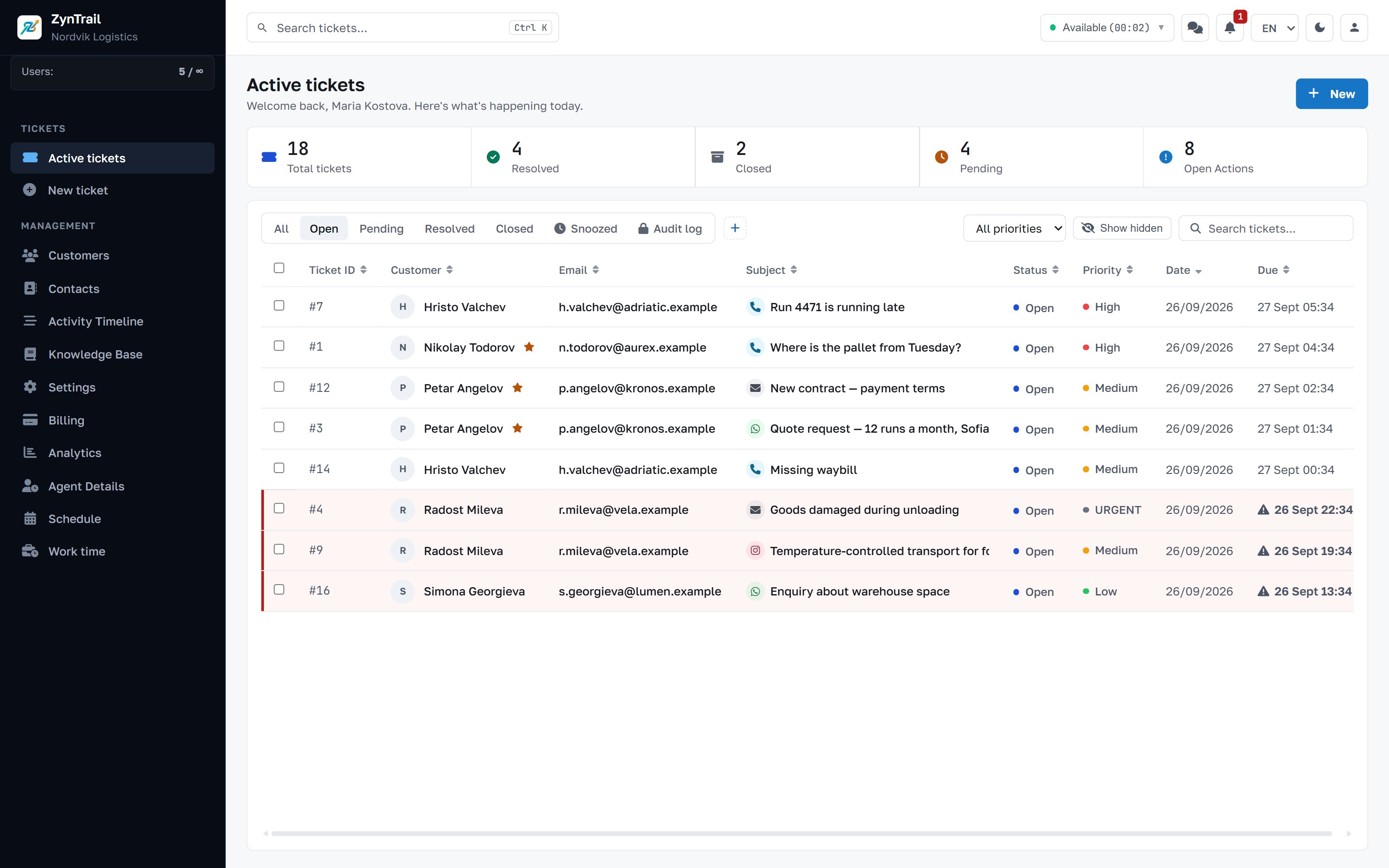
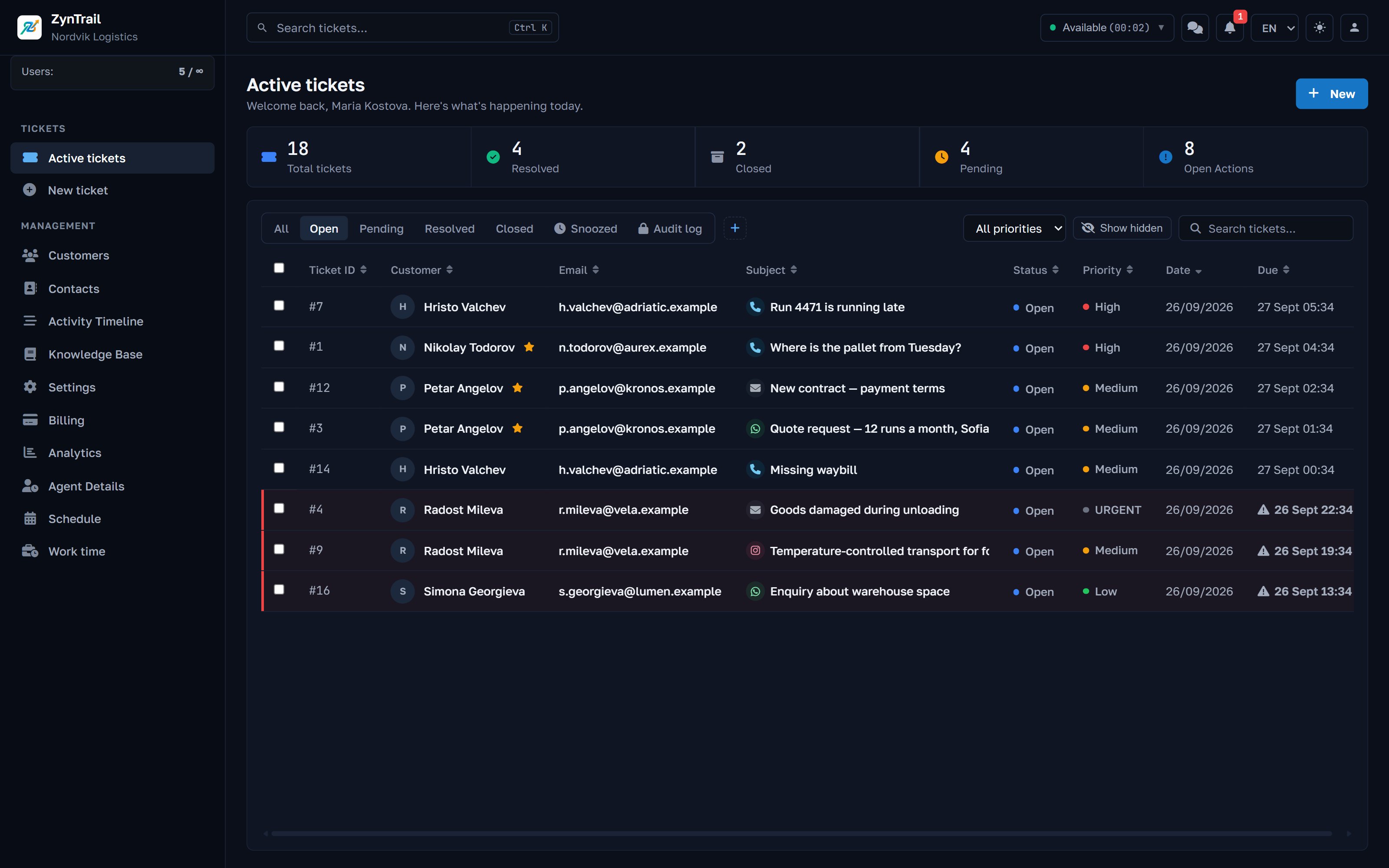
Some people cannot look at a white screen for eight hours. Others cannot stand a dark one. Both are built in, switch from the top bar, and change nothing else about the work.
The ticket
Your first ticket is #1. From there on, each one carries an owner, a priority, a department and a deadline.
Open, pending, resolved, closed. Priority together with your SLA policy sets the deadline.
Hand-over between departments and people. Every hand-over is kept, so the question of who held it and when has an answer.
Park a ticket until a date when you are waiting on the customer. It leaves the queue without closing. A reply from the customer wakes it at once.
Merging points one ticket at another, deletes nothing and can be undone. Splitting is the only operation that moves a message, and it records where it came from.
A note the customer never sees, on the same thread as the conversation. Context does not live in a separate chat.
The replies you type twenty times a week, written once.
Deadlines
Most support systems have one date on the ticket that quietly does two jobs. ZynTrail keeps them apart, because they answer different questions and mixing them makes the report meaningless.
The SLA deadline comes from your policy: this many hours for this priority, counted from when the ticket opened. It raises the alarm and stamps the breach. Nobody inside the ticket can move it.
The promised date is what a person promised the customer: “I will get back to you on Friday”. It is shown, the list sorts by it, and it triggers nothing. If an agent could clear an overdue ticket by typing a later date, the SLA report would only measure how willing people are to type dates.
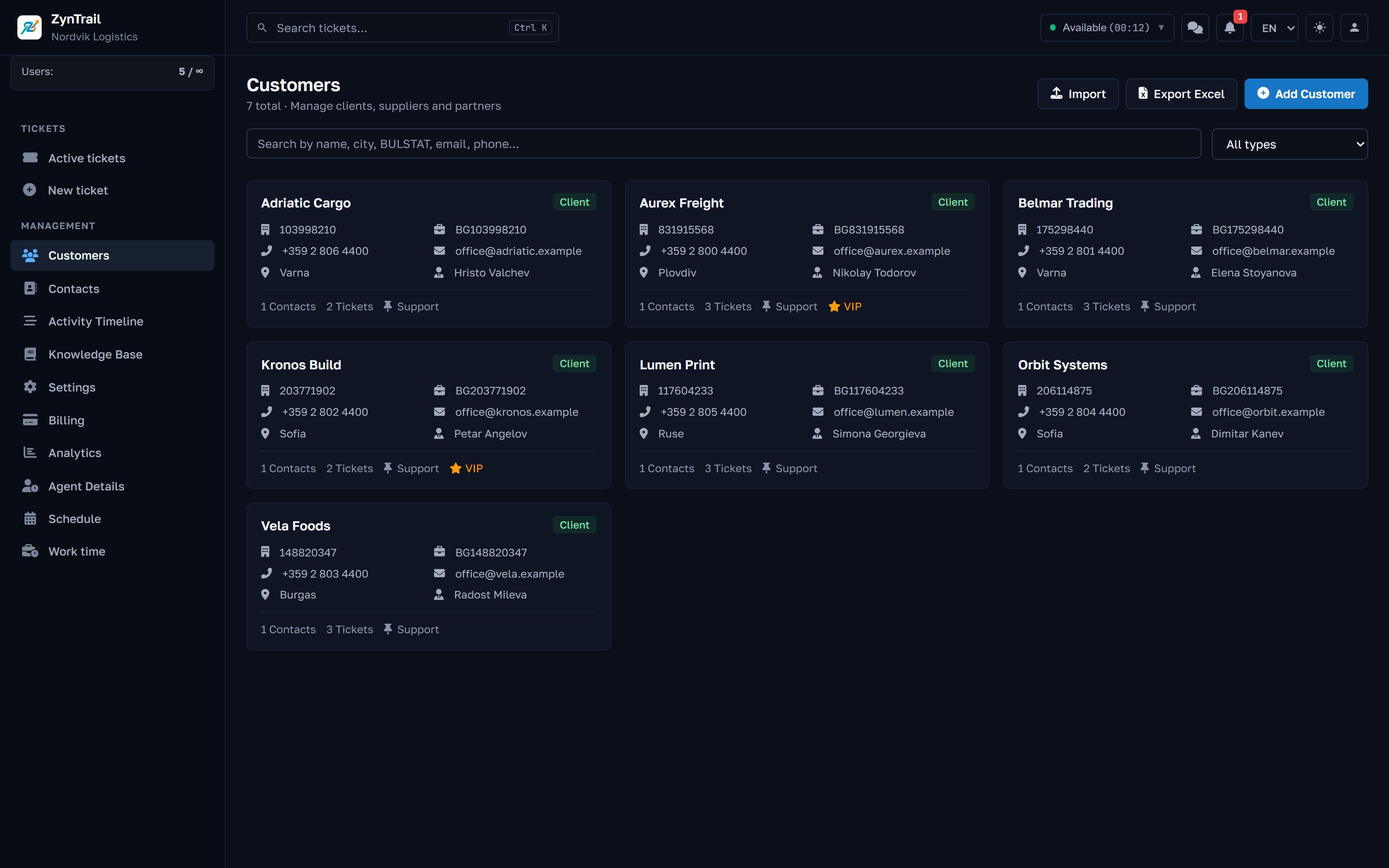
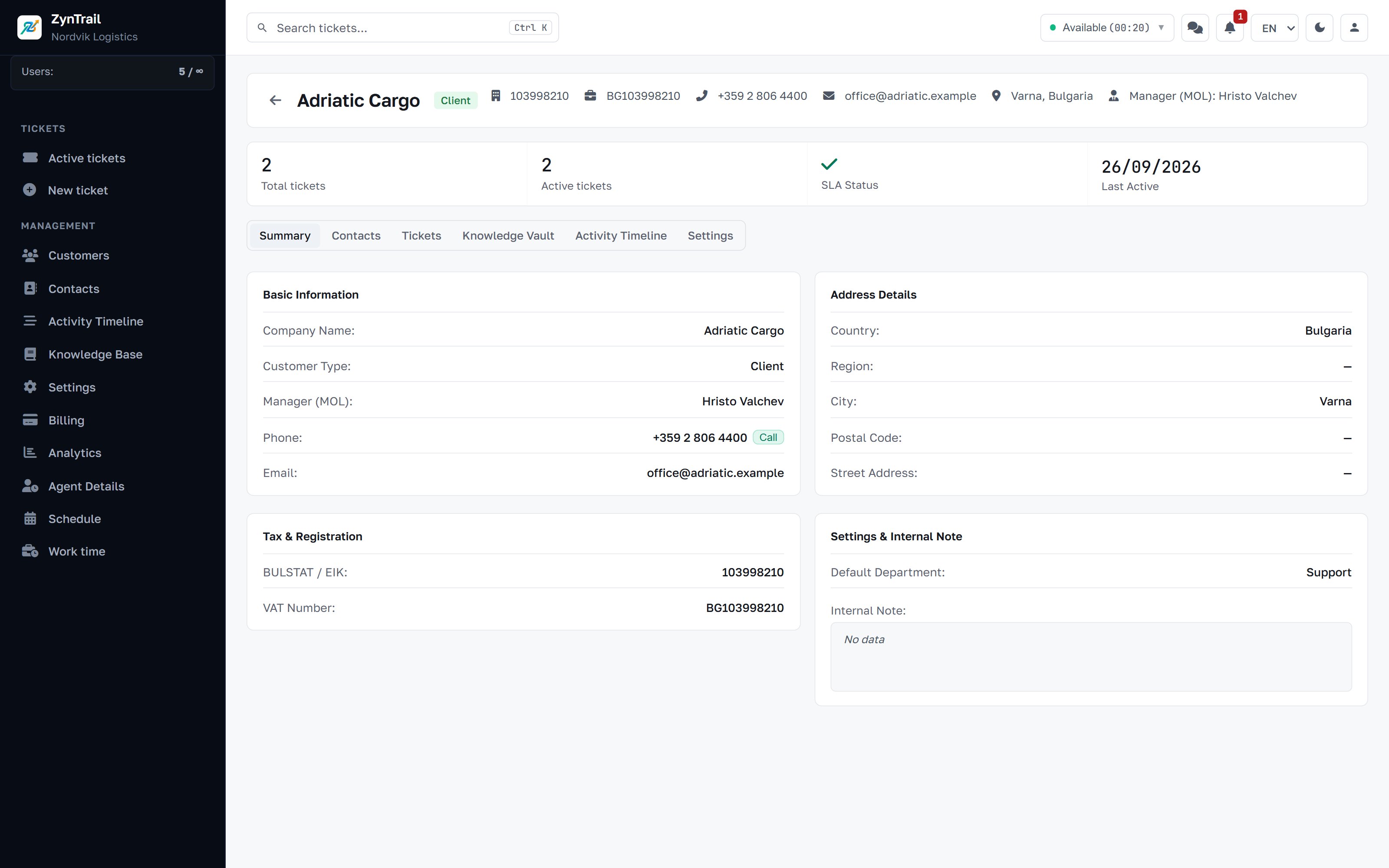
The customer, not just the ticket
Around the ticket
Articles the team writes for itself and searches while replying.
Your terms, price lists and manuals. The assistant searches exactly these and answers from what it finds instead of inventing.
Rooms for the team, in the same window as the work, so a question about one ticket does not migrate to another app.
Who is working, who is on leave and how long the day really was. HR can run this without getting access to customers.
Volume by channel and status, resolution times, SLA breaches and per-agent numbers. Export to CSV and Excel.
Your shop, CRM or ERP can open a ticket directly with your company API key.
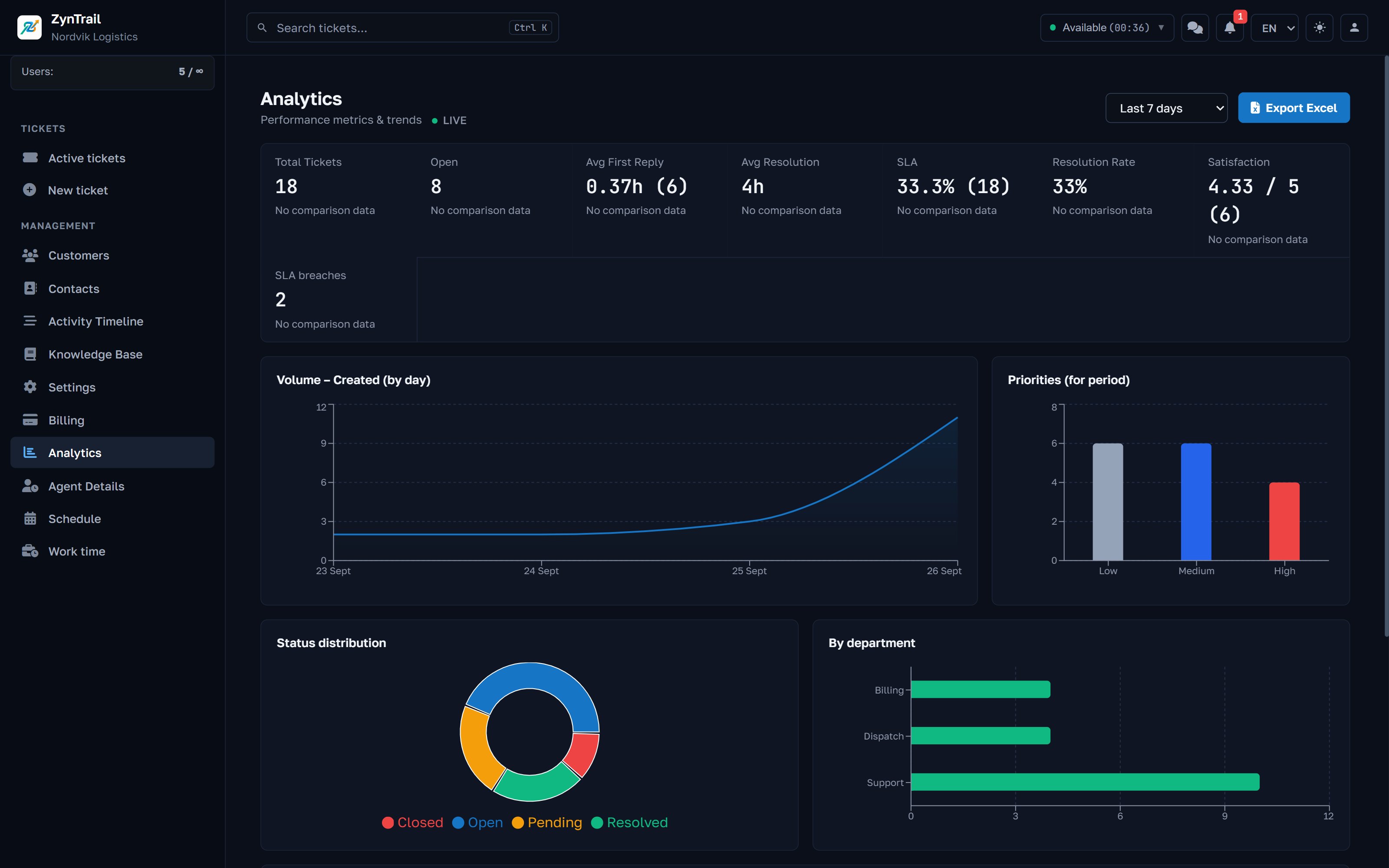
Roles
Four roles. The HR role is deliberately kept away from customer data. Administering people should not mean reading their conversations.
| Tickets | Customers | Settings | Shifts | |
|---|---|---|---|---|
| Company admin | yes | yes | yes | yes |
| Agent | yes | yes | no | their own |
| HR | if granted | no | no | yes |
Tell us how many people answer customers and which channels the enquiries arrive on. We will show you the same screens your team will work in, with your case rather than a demo script.
Every plan starts with 30 days of full access to the product, every feature included.